How Many Monitors Do You Need for Day Trading?
How many monitors do you need for day trading? Most traders do best with two to four. See what each count is for, and which computer or laptop can drive it.
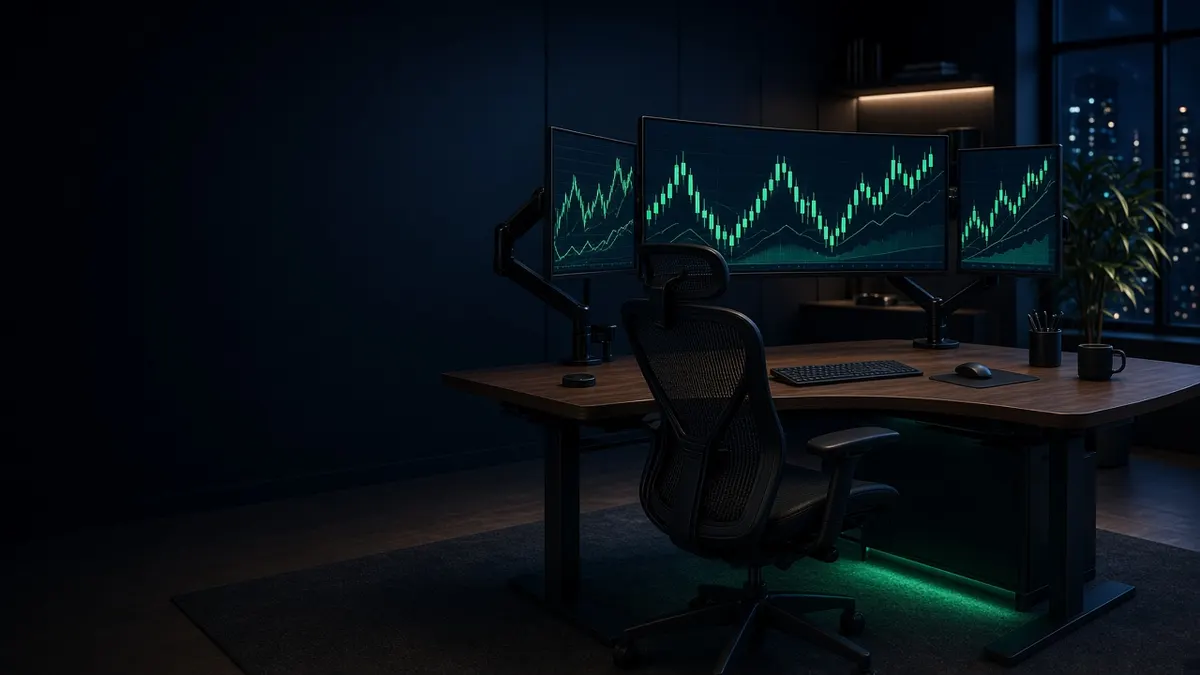
For most day traders the answer is two to four. Two screens cover charts plus an order window. Three or four let you keep a watchlist, a news feed and a second timeframe open without switching. Past four, you're usually adding screens for a specific job, like scanning many tickers or watching several markets at once, and you need a computer built for it.
The bigger mistake isn't picking the wrong number. It's buying monitors before checking how many your computer can actually drive. This guide covers both.
What each monitor count is good for
| Screens | Typical layout | Who it suits |
|---|---|---|
| 1 | Platform and charts in split windows | New traders, swing traders, anyone on a laptop at the kitchen table |
| 2 | Charts on one, orders, positions and watchlist on the other | Most part-time and new day traders |
| 3 | Main chart in the middle, a second timeframe on one side, news and orders on the other | Full-time day traders in one market |
| 4 | Two rows of two, or four across, with scanners and Level 2 always visible | Active traders running scans or several tickers at once |
| 6 to 8 | A wall of charts across markets | Multi-market traders, and people who already know exactly what each screen is for |
A good test: write down what will be on each screen before you buy it. If a screen would hold "maybe news, maybe another chart," you don't need it yet.
Fewer, bigger screens often beat more screens
Each bezel splits a chart, and every extra screen adds a cable, an arm and another thing for your graphics hardware to drive. A 40-inch 5K2K ultrawide (5120 by 2160 pixels) has the same width in pixels as two 1440p monitors side by side, with more height and no gap in the middle. Our ultrawide monitor guide covers picks like the Dell UltraSharp U4025QW.
A common middle ground is one ultrawide for charts plus one smaller screen beside it for orders and news. That's two connections doing the work of three screens.
Can your computer drive them? The planner
This is the part people skip. Apple publishes a fixed external-display limit for each chip. Windows desktops depend on the graphics card's outputs. Windows laptops depend on their ports and any dock.
| Computer | External monitors it supports | Where we got it |
|---|---|---|
| Mac mini (M5 Pro) | Up to 3 | Apple spec page |
| Mac Studio (M5 Max) | Up to 5 | Apple spec page |
| Mac Studio (M5 Ultra) | Up to 8 | Apple spec page |
| MacBook Pro, base M5 | Up to 2 | Apple spec page |
| MacBook Pro 14 (M5 Pro) | Up to 3 | Apple spec page |
| MacBook Pro (M5 Max) | Up to 4 | Apple spec page |
| CyberPowerPC tower (RTX 5070) | 4 (three DisplayPort, one HDMI) | NVIDIA lists up to four displays for the RTX 5070 family |
| Alienware Aurora (RTX 5080) | 4 (three DisplayPort, one HDMI) | B&H spec table |
| HP Z2 G1i (RTX 2000 Ada) | 4 (Mini DisplayPort) | B&H spec table |
A few rules of thumb fall out of that table:
- Up to three screens: almost anything current works, including a Mac mini or an M5 Pro MacBook Pro.
- Four screens: one Windows graphics card with four outputs, a Mac Studio, or an M5 Max MacBook Pro.
- More than four on Windows: plan on a second graphics card and a power supply sized for both. Our computer guide covers eight-screen options.
If your platform only runs on Windows, that decides the computer before the screen count does. See Mac vs PC for day trading.
Laptops: the dock decides
A laptop's monitor count depends on the dock as much as the laptop. Per CalDigit, Windows laptops with Thunderbolt 4 usually stop at two screens through a dock, and base-chip Macs stop at two as well. If you need a third screen on a MacBook Air or base MacBook Pro, a DisplayLink dock like the Anker Prime DL7400 adds screens through a software driver. That's fine for charts and order windows. Our Thunderbolt dock guide explains which dock suits which laptop.
Don't forget the desk and the arms
Four 32-inch screens weigh a lot. Before you go past two, check two things:
- Monitor arms rated for each screen's weight. A single Ergotron LX Pro per screen is the flexible option. Heavier ultrawides may need a heavy-duty arm; our monitor arm guide lists weight ranges.
- Desk capacity, especially on a standing desk that has to lift everything. Our standing desk guide compares lifting limits.
Our recommendation
- Starting out: two screens. One 27- or 32-inch 4K for charts, and whatever you already own for orders. The LG 27UP850K-W is our budget 4K pick, though it was temporarily out of stock at B&H when we checked in November 2026 (B&H lists the LG 27US500-W as its replacement).
- Trading full-time in one market: three screens, or one ultrawide plus a side screen.
- Running scans across many tickers: four screens on a Windows tower or a Mac Studio, with matching monitors like the Dell UltraSharp U3225QE.
- More than four: only once you can name what goes on each screen.
For full budgets at each level, see how much a day trading setup costs.
Frequently asked questions
Do you need multiple monitors to day trade?
No. You can day trade on one screen, and many traders start that way. A second screen mainly saves you from switching windows while a trade is open, which is where most people feel the difference first.
Is three monitors enough for day trading?
For most traders, yes. Three screens fit a main chart, a second timeframe or watchlist, and an order and news window. Many full-time traders never go past three.
How many monitors can my computer support?
Check your computer's spec page. Apple lists an exact number per chip, three on the M5 Pro Mac mini and five on the M5 Max Mac Studio. On a Windows desktop, count the video outputs on the graphics card; current NVIDIA RTX 5070 cards support four.
Is one ultrawide better than two monitors for trading?
Often, yes. A 40-inch 5K2K ultrawide matches two 1440p screens side by side in width, adds more height, has no bezel down the middle, and needs only one connection. Two 4K screens still show more in total, so it's a trade-off between pixels and a clean, single surface.
Related guides
Best 32-Inch 4K Monitor for Trading in 2026
The best 32-inch 4K monitors for day trading in 2026: IPS Black, OLED, USB-C hub and budget 120Hz picks compared on sharpness, ports, stands and price.
Best Ultrawide Monitors for Stock Trading in 2026
Five high-resolution ultrawide monitors for trading, compared on resolution, pixel density, ports and size, so one screen can replace a multi-monitor rig.
Best Monitors for Day Trading in 2026
The best monitors for day trading in 2026: 4K IPS, OLED and super-ultrawide picks compared on pixel density, ports and burn-in risk for multi-monitor desks.