Best Graphics Card for Multi-Monitor Trading
The best graphics cards for 4 to 8 monitor trading desks in 2026, ranked on DisplayPort count, power draw and price, not gaming FPS.
We may earn a commission from links on this page, at no extra cost to you. How we pick products
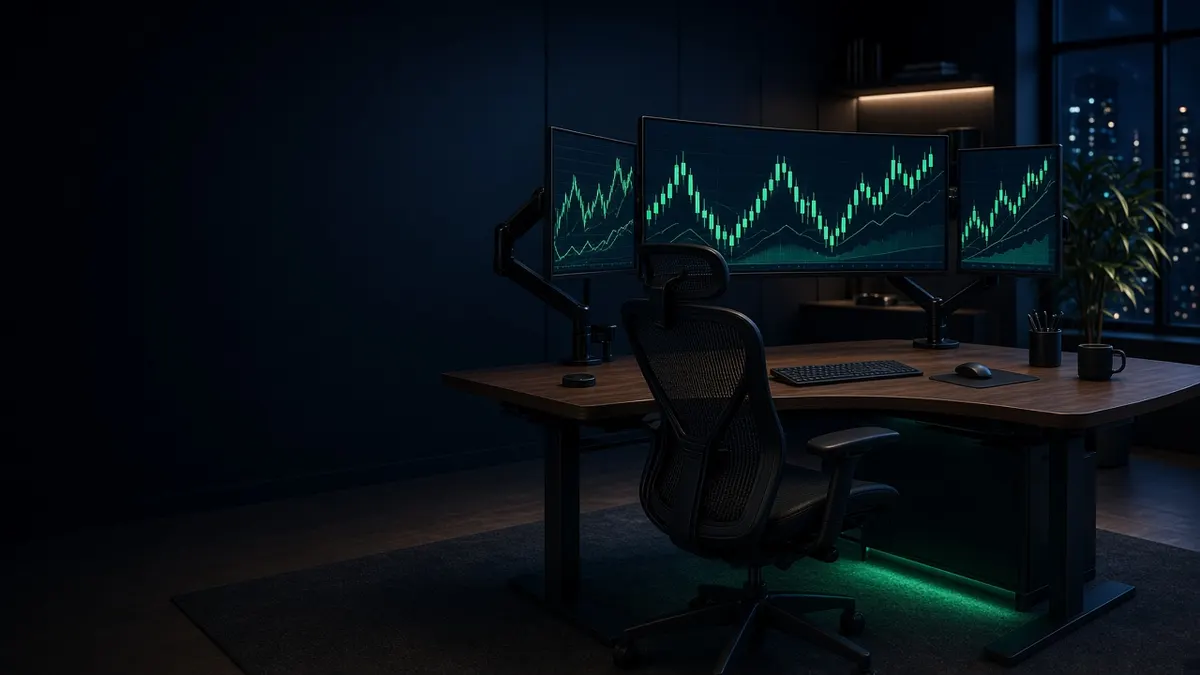
For a trading desk, a graphics card is mostly a connector board. Charting platforms barely tax modern GPUs. What matters is how many monitors you can plug in, at what resolution, and whether the card stays quiet and cool for a full session.
That is why this guide ranks cards by DisplayPort count, power draw and price, not by gaming benchmarks. If you are still deciding how many screens you need, start with how many monitors for day trading. If you are buying a whole machine instead of a card, see best computer for day trading.
We checked NVIDIA's RTX 5070 family specs and live B&H listings in November 2026, including a stock recheck on November 19. Street prices on new 50-series cards were elevated and stock was still thin, so treat the dollar amounts as a snapshot and re-check before you buy.
Quick picks
| Graphics card | Outputs | Max independent displays (NVIDIA) | Power (card) | Approx. price (checked Nov 2026) | Best for |
|---|---|---|---|---|---|
| ASUS GeForce RTX 5060 Ti PRIME 16GB | 3× DisplayPort 2.1b + 1× HDMI 2.1b | Up to 4 | about 180 W class; 550 W PSU recommended | $859.99 at B&H (in stock) | Best available 4-screen GeForce right now |
| PNY GeForce RTX 5070 ARGB EPIC-X RGB OC | 3× DisplayPort 2.1b + 1× HDMI 2.1b | Up to 4 | 650 W PSU recommended (B&H) | $1,059.99 at B&H (in stock) | Best in-stock GeForce 5070 |
| PNY NVIDIA RTX PRO 2000 Blackwell | 4× Mini DisplayPort 2.1b | 4 native DisplayPort | 70 W; no external power plug | $1,799 at B&H (in stock) | Best single card for four DisplayPort monitors |
| Dual-GPU tower (Puget C121-L) | Up to 8 (two four-output cards) | 6 to 8 | Sized for both cards | from about $4,002 configured | Best path past four screens on Windows |
Prices are approximate and change often. Partner cards that look identical on paper can differ in cooler size, BIOS and exact port layout, so read the B&H spec table for the SKU you buy.
What actually matters for trading
Count physical outputs first. One cable per monitor is the reliable setup. NVIDIA's GeForce RTX 5070 family lists three DisplayPort connectors and one HDMI, for up to four independent displays. Most partner 5060 Ti and 5070 cards follow that layout. A workstation card like the RTX PRO 2000 puts four Mini DisplayPort outputs on one board, which is cleaner if every monitor wants DisplayPort.
Do not daisy-chain for a trading wall. DisplayPort Multi-Stream Transport can share one port across several screens, but the screens share one link's bandwidth and each screen depends on the one before it. For charts that must stay up, run a separate cable from the card to each monitor.
VRAM is rarely the bottleneck. Four 4K desktops need memory for framebuffers, not for games. 12GB is plenty for charts; 16GB is a comfort margin if you also run local AI tools or heavy browsers. Buy outputs and quiet cooling before you buy more VRAM.
Skip the halo cards. An RTX 5080 or 5090 will drive four screens, but you are paying for ray tracing and frame generation you will never use on a DOM and a footprint of charts. Put that money into monitors, a UPS or a better chair instead.
1. ASUS GeForce RTX 5060 Ti PRIME 16GB: best available four-screen GeForce
When we checked B&H in early November 2026, midrange RTX 5070 cards were mostly out of stock and priced well above NVIDIA's $549 starting list. The ASUS PRIME RTX 5060 Ti 16GB was in stock at $859.99 (checked November 16, 2026) with three DisplayPort 2.1b outputs and one HDMI 2.1b, 16GB of GDDR7, and a 550 W recommended system power, which is easier on an older power supply than a 5070.
For a three- or four-monitor desk at 1440p or 4K 60 Hz, that is enough. The 16GB model gives you headroom if you later add a fourth 4K panel or leave a lot of Chrome tabs open next to the platform. ASUS rates it as a 2.5-slot card about 12 inches long, so measure your case before you order.
The catch is price: in a normal market a 5060 Ti should sit below a 5070. Buy this when you need a card this week and stock on 5070s is thin; otherwise wait for a 5070 near list.
2. PNY GeForce RTX 5070 ARGB EPIC-X RGB OC: best in-stock GeForce for four screens
NVIDIA's own RTX 5070 page is the one to trust for the family: up to four independent displays, three DisplayPort 2.1b and one HDMI 2.1b, 12GB of GDDR7, 250 W total graphics power, and a 650 W recommended system power on the Founders design. Partner cards vary.
The compact Gigabyte WINDFORCE OC SFF we previously listed at $839.99 is now discontinued at B&H (SKU 1882292). When we rechecked B&H on November 19, 2026, several closer-priced 5070s, including the ASUS Prime at $869.99, were temporarily out of stock. The in-stock equivalent we could verify was the PNY ARGB EPIC-X RGB OC: a 2.4-slot triple-fan card with the standard 3 DisplayPort 2.1b plus HDMI 2.1b layout, 12GB of GDDR7, an 11.8-inch length, and a 650 W recommended system power, at $1,059.99.
That is more than the old Gigabyte listing, but it is a current RTX 5070 that B&H had in stock. It drives four screens out of the box and is more GPU than charts need. It is a little thicker than the 2.2-slot SFF card it replaces, so measure your case. B&H lists RGB lighting on this model.
If your fourth monitor is DisplayPort-only, you will need a quality HDMI-to-DisplayPort active adapter, or pick the workstation card below instead.
3. PNY NVIDIA RTX PRO 2000 Blackwell: best for four native DisplayPort monitors
When every monitor wants DisplayPort and you do not want to use HDMI or an adapter, buy a workstation card with four DisplayPort outputs. The PNY RTX PRO 2000 Blackwell has four Mini DisplayPort 2.1b ports, 16GB of ECC GDDR7, a 70 W board that needs no external power plug, and a blower cooler that exhausts out the rear of the case. B&H had it in stock at $1,799 and includes one Mini DisplayPort to DisplayPort latching adapter in the box; you will want three more adapters or Mini DisplayPort cables for a full four-screen desk.
This is the same class of card that ships in workstation towers like the HP Z2 G1i. You pay a premium over GeForce for ECC memory, ISV-style drivers and four matching DisplayPort outputs in a short dual-slot card. For a pure charting desk that must stay quiet in a small case, that premium can be worth it. For a home tower with mixed HDMI and DisplayPort screens, a GeForce 5070 is the better spend.
4. Dual-GPU tower: best path past four screens on Windows
One current GeForce card tops out at four independent displays on NVIDIA's 50-series consumer lineup. Five to eight screens on Windows means a second graphics card (or a Mac Studio / Mac Pro path covered in our computer and Mac vs PC guides).
Two practical options:
- Add a second card yourself only if the motherboard has a free full-length PCIe slot, the power supply has headroom for both cards, and the case has airflow for two coolers. Confirm with the motherboard maker that both cards can drive displays at once (some consumer boards share lanes in ways that surprise people).
- Order a dual-GPU workstation from a builder. Puget Systems' C121-L mid tower takes up to two NVIDIA or AMD cards and starts around $4,002 on Puget's site (checked with our computer guide in Nov 2026). Two four-output cards give you eight screens without fighting a prebuilt's warranty.
Either way, treat the second card as another set of outputs, not as SLI or a gaming multi-GPU setup. NVIDIA dropped consumer multi-GPU rendering years ago; for trading you just need Windows to see more monitors.
How to choose in one minute
- Two or three screens: almost any modern discrete GPU, or even a strong laptop plus a Thunderbolt dock, is enough. Do not overspend.
- Four screens, mixed HDMI and DisplayPort: GeForce RTX 5060 Ti 16GB or RTX 5070 (3 DP + HDMI).
- Four screens, all DisplayPort: RTX PRO 2000 (four Mini DisplayPort).
- Five to eight screens on Windows: plan on two cards, or buy a dual-GPU builder tower.
- Mac desk: ignore this GeForce list and follow Apple's chip display limits in the computer guide instead.
FAQ
Do I need a gaming GPU for TradingView, thinkorswim or NinjaTrader? No. Those apps need CPU cores, RAM and enough video outputs. A midrange GeForce or a low-power workstation card is plenty.
Can onboard graphics run four monitors? Sometimes, on workstation CPUs with enough motherboard outputs, but discrete cards are more predictable. Check the motherboard's manual for the exact port count when no GPU is installed; many consumer boards drop to one or two displays without a discrete card.
Will an HDMI-to-DisplayPort adapter work for the fourth screen? A passive cable usually will not. Use an active adapter that matches the direction you need (HDMI source to DisplayPort monitor, or the reverse), and buy one from a brand that states the resolution and refresh rate you want.
Is MST daisy-chaining okay? It works for light office use. For a trading wall we prefer one cable per monitor so one bad link does not take down half the desk.
Related guides
Best Mini PC for Trading in 2026
The best mini PCs for day trading in 2026, compared on display count, RAM, noise and price, from a $900 Windows box to a Mac mini M5 Pro.
Best KVM Switch for Two Computers and Two Monitors
The best dual-monitor KVM switches for two trading computers in 2026, compared on 4K refresh rate, EDID window layout and price from about $200.
Mac vs PC for Day Trading
Mac or PC for day trading? Check your platform first. NinjaTrader, TradeStation Desktop and Sierra Chart need Windows; thinkorswim and TWS run on both.