How Much Does a Day Trading Setup Cost?
What a day trading setup really costs in 2026: three complete builds at about $2,000, $5,000 and $10,000, with the computer, monitors, arms, desk and chair priced out.
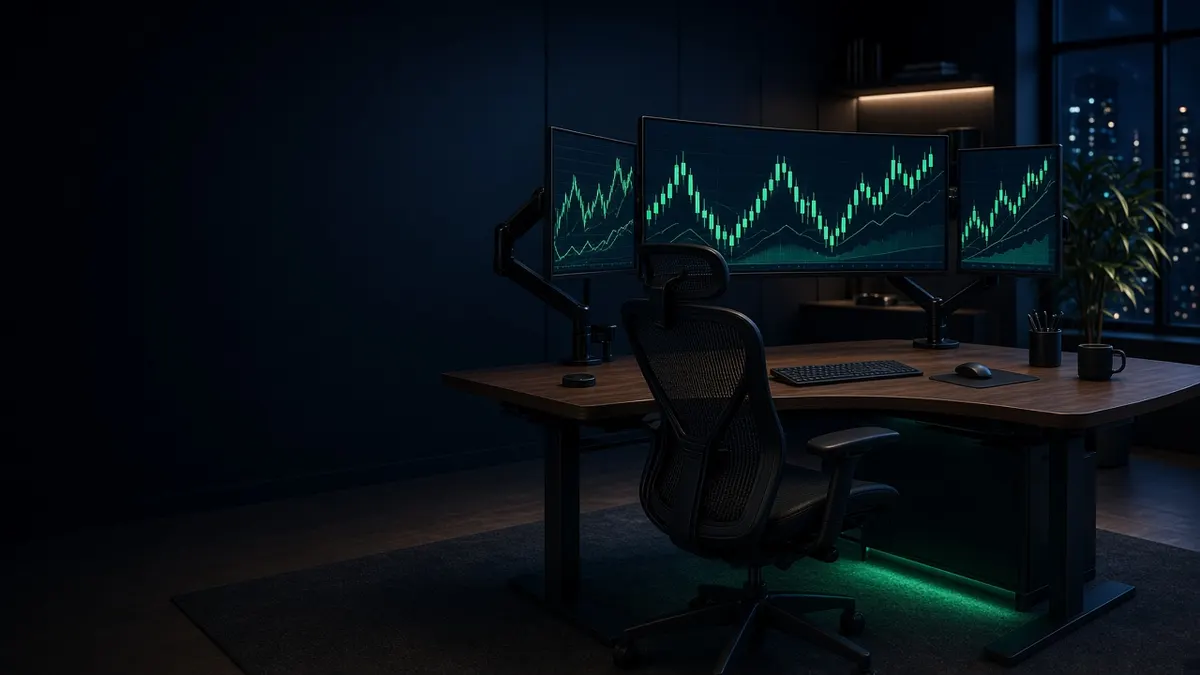
A working day trading setup costs anywhere from about $2,000 to well over $10,000, and most of the spread comes from two choices: how many screens you want, and whether you replace your desk and chair at the same time. The computer itself matters less than people expect. Charting platforms aren't demanding, so the real job of the computer is driving enough monitors reliably.
Below are three complete builds, each priced from the products in our buying guides, with prices rechecked in November 2026. Prices move every week, so treat the totals as a close estimate rather than a quote.
The three builds at a glance
| Build | Computer | Screens | Desk and chair | Approx. total (checked Nov 2026) |
|---|---|---|---|---|
| About $2,000 | Apple Mac mini (M5 Pro) | One 27" 4K | Keep what you have | about $2,050 |
| About $5,000 | CyberPowerPC tower (RTX 5070) | Two 32" 4K | UPLIFT V3 standing desk | about $4,850 |
| About $10,000 | Dell Alienware Aurora (RTX 5080) | Four screens, including a tall side screen | UPLIFT V3 plus Herman Miller Aeron | about $10,000 (about $10,550 at full Aeron price) |
The $2,000 build: one strong screen and room to grow
- Apple Mac mini (M5 Pro): about $1,699 (B&H, checked November 16, 2026)
- LG UltraFine 27UP850K-W, 27" 4K: about $350 (temporarily out of stock at B&H in November; B&H lists the 27US500-W at about $250 as its replacement)
Total: about $2,050.
This build puts the money where it lasts. The Mac mini drives up to three screens, so you can start with one 4K monitor and add two more later without replacing the computer. A single 27-inch 4K screen fits a chart, a watchlist and an order window side by side at a readable size.
If you already own a recent laptop, skip the computer and spend the same money on screens instead. Check how many external monitors your laptop supports first (our laptop guide explains how), and use a Thunderbolt dock so the whole desk connects with one cable.
The $5,000 build: two big screens and a standing desk
- CyberPowerPC Gamer Supreme Liquid Cool (RTX 5070): about $2,200 to $2,300 (the exact configuration in our guide is now discontinued at B&H, but similar RTX 5070 builds sell for this)
- Two Dell UltraSharp U3225QE, 32" 4K at 120Hz: about $1,600 for the pair
- UPLIFT V3 standing desk (2-leg): about $599 for the frame and a basic top
- Two Ergotron LX Pro arms: about $398
Total: about $4,850.
This is the build most full-time traders end up with. The tower has four video outputs, so a third or fourth screen is a monitor purchase, not a new computer. Two 32-inch 4K screens give you roughly the space of four 1080p monitors without the bezels. Arms free up the desk surface and let you set both screens at the same height, which matters more on a standing desk because you'll adjust it through the day.
The LX Pro is the right arm here: Dell lists the U3225QE at 14.37 lb without its stand, well inside the LX Pro's rating, and too light for the Ergotron HX's 20 lb minimum.
The $10,000 build: a four-screen wall and a chair for 10-hour days
- Dell Alienware Aurora (RTX 5080): about $3,999 (its October sale price of about $3,299 has ended)
- One Dell UltraSharp U3225QE as the main screen: about $800
- Two Dell UltraSharp U2725QE on either side: about $1,500 for the pair
- One BenQ RD280U, a tall 3:2 screen for ladders and watchlists: about $550
- UPLIFT V3 standing desk: about $599
- Four Ergotron LX Pro arms: about $796
- Herman Miller Aeron: about $1,729 at the 25% sitewide Black Friday discount on a $2,305 config, which runs through December 7, 2026; select in-stock items are 30% off through November 18 (about $1,614 on the same $2,305 config, checked November 16)
Total: about $10,000 with the Aeron at 25% off, or about $10,550 at the $2,305 list price.
At this level the computer's four outputs are all in use, so a fifth screen means a second graphics card or a workstation like the ones in our computer guide. The chair is the line item people skip and regret. If you trade a full session every day, you'll sit in it longer than you'll look at any one screen. The Steelcase Leap V2 and Secretlab Titan Evo are the alternatives to compare if mesh isn't for you.
If you want the four screens as one, a 57-inch super-ultrawide replaces the side monitors with a single panel; see our ultrawide guide.
Where to save and where not to
- Save on the computer, not the screens. Every build here could run the same trading platform. Screens are what you look at all day, and good ones outlast two or three computers.
- Don't buy more screens than your computer can drive. Check the output count before you buy the fourth monitor. Our computer and laptop guides list each machine's limit.
- Buy arms rated for your monitor's weight. Most arm problems come from a screen that's too heavy or too light for the arm's spring. Each pick in our monitor arm guide lists its rated range.
- Budget for power protection. A small battery backup keeps a power blip from shutting your computer off mid-trade. Our UPS guide covers the options.
Frequently asked questions
Can you day trade with one monitor?
Yes. A single 27-inch or larger 4K screen holds a chart, a watchlist and an order entry window at once. Most traders add screens to see more symbols at a glance, not because one screen can't do the job.
Is a Mac or a PC better for a trading setup?
Both work for most web and desktop platforms. The difference is screen count: Apple publishes a fixed limit for each chip, while a Windows tower's limit depends on its graphics card. Check that your trading platform runs natively on the system you pick.
Do I need a gaming computer for day trading?
No. Gaming towers show up in these builds because they're a cheap way to get four video outputs, not because trading needs the graphics power.
Related guides
How to Secure Your Trading Desk in 2026
How to protect a trading account from hackers in 2026: hardware security keys, a password manager, a dedicated browser and a locked-down home network.
Best Mini PC for Trading in 2026
The best mini PCs for day trading in 2026, compared on display count, RAM, noise and price, from a $900 Windows box to a Mac mini M5 Pro.
Black Friday Trading Desk Deals 2026
Black Friday and Cyber Monday 2026 trading desk deals on monitors, PCs, chairs and docks we already recommend, with baselines we re-check as sales open.