Best Ultrawide Monitors for Stock Trading in 2026
Five high-resolution ultrawide monitors for trading, compared on resolution, pixel density, ports and size, so one screen can replace a multi-monitor rig.
We may earn a commission from links on this page, at no extra cost to you. How we pick products
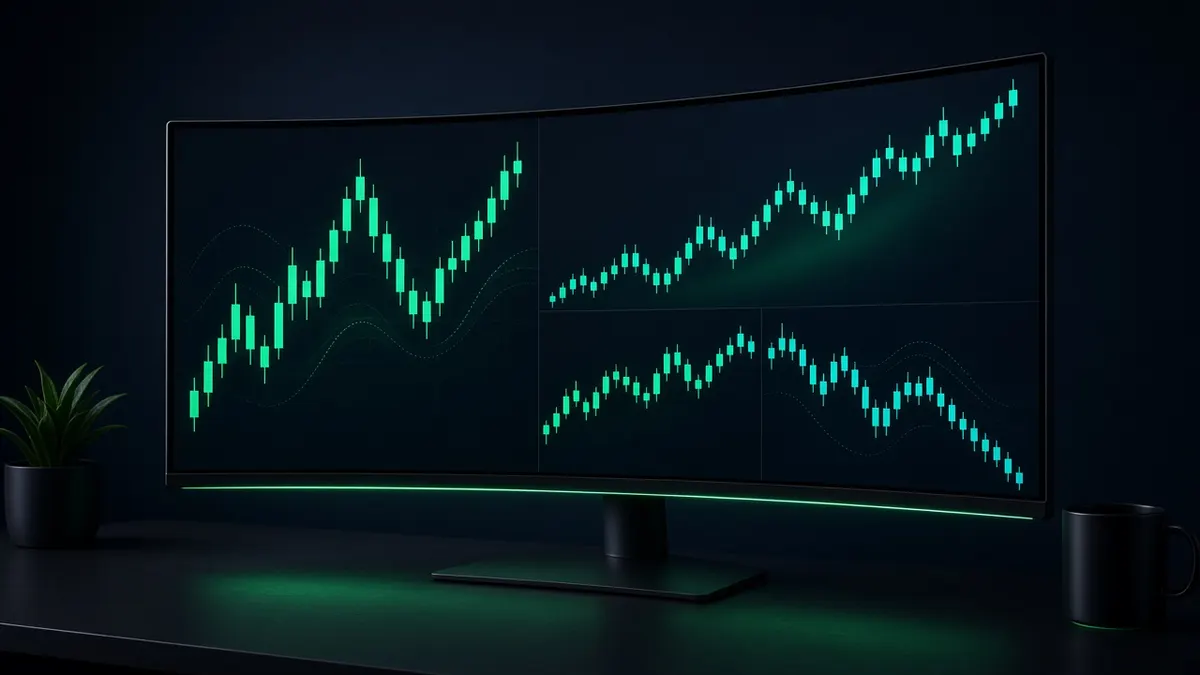
Most traders end up with three or four mismatched screens, a tangle of cables, and bezels running through the middle of their charts. A single high-resolution ultrawide can show a chart, a level-2 ladder, a watchlist, and news side by side with no gaps. The catch is that resolution matters more than size: a big screen with low pixel density just shows bigger, blurrier candles.
This guide sticks to monitors with enough pixels to replace two or three regular screens.
Quick picks
| Monitor | Size | Resolution | Refresh | Panel | Best for |
|---|---|---|---|---|---|
| Dell UltraSharp U4025QW | 39.7" 21:9 | 5120 x 2160 | 120Hz | IPS Black | Best overall for trading |
| Dell UltraSharp U5226KW | 51.5" 21:9 | 6144 x 2560 | 120Hz | IPS Black | Biggest workspace on one screen |
| Samsung Odyssey Neo G9 57" | 57" 32:9 | 7680 x 2160 | see listing | VA Mini-LED | Two 4K screens in one |
| HP E45c G5 | 44.5" 32:9 | 5120 x 1440 | 165Hz | VA | Wide on a budget-for-ultrawides |
| Dell UltraSharp U3824DW | 37.5" 21:9 | 3840 x 1600 | 60Hz | IPS Black | Smaller desks |
1. Dell UltraSharp U4025QW: best overall
The U4025QW packs 5120 x 2160 pixels into a 39.7-inch curved panel, about 140 pixels per inch. That is the same vertical resolution as a 4K monitor, stretched wide, so you can stack a full chart above an order panel without shrinking either. It runs at 120Hz, which makes scrolling through tick charts noticeably smoother than a 60Hz office screen.
For a trading desk the bigger selling point is that it doubles as a Thunderbolt 4 dock with a built-in KVM switch and 2.5Gb Ethernet, so a laptop and a desktop can share one keyboard, mouse, and screen. Its IPS Black panel is rated at 2000:1 contrast, roughly double a typical IPS panel, and it has an anti-glare matte coating, which matters if your desk faces a window.
Good fit if you want one screen that replaces two 27-inch 4K monitors and you switch between a work laptop and a trading PC. Skip it if you mostly game; an OLED is a better match.
2. Dell UltraSharp U5226KW: the biggest single-screen workspace
At 51.5 inches and 6144 x 2560, this is the largest productivity ultrawide in this guide. PCMag rates it its best giant-screen ultrawide productivity monitor. It has two HDMI, two DisplayPort, Thunderbolt 4, and three USB-C inputs, so you can wire several machines into it at once. It weighs about 40 pounds with the stand, so check that your desk and any monitor arm can take it.
Good fit if you run many windows at once and have a deep desk. Skip it if you sit close to the screen; at this size you will be turning your head.
3. Samsung Odyssey Neo G9 57": two 4K screens in one
The 57-inch Neo G9 has 7680 x 2160 pixels, exactly the width of two 4K monitors side by side, at the same 140 PPI as the Dell U4025QW. Its Mini-LED backlight has 2,392 local dimming zones and a rated 2500:1 static contrast. It is built as a gaming monitor, with a tight 1000R curve, so it wraps around you more than the Dells do.
Good fit if you want maximum horizontal room for side-by-side charts and have a wide desk (the screen alone is about 55 inches across). Skip it if your graphics card or laptop can't drive 7680 x 2160; check your GPU's output support first.
4. HP E45c G5: wide for less
PCMag named the 44.5-inch E45c G5 its best ultrawide productivity monitor overall. It is a 32:9 panel at 5120 x 1440, which works like two 27-inch 1440p monitors with no bezel between them, and runs at up to 165Hz. It has two USB-C inputs, so two computers can share it.
Good fit if you want a dual-monitor replacement without paying 5K2K prices. Skip it if you want more vertical room; 1440 pixels tall is the same as a single 27-inch screen.
5. Dell UltraSharp U3824DW: for smaller desks
At 37.5 inches and 3840 x 1600, this is the compact option. It has an IPS Black panel rated at 2000:1 and seven USB ports beyond the upstream, and PCMag picks it as the best ultrawide productivity monitor for home-office use. It tops out at 60Hz, which is fine for charts but less smooth when scrolling.
How to choose a trading monitor
- Pixels, not inches. Aim for at least 2160 pixels tall if you stack charts vertically. 1440 tall works if you mostly lay windows side by side.
- Matte beats glossy for long sessions near a window.
- Built-in dock and KVM save a separate dock and let a laptop and desktop share one screen.
- Check your graphics output. 5K2K at 120Hz and 7680 x 2160 need recent GPUs or Thunderbolt 4 laptops.
- Measure your desk. Curved 40-inch screens need roughly 37 inches of width; the 57-inch needs about 55.
FAQ
Is one ultrawide better than two monitors for trading? For most traders, yes, if the resolution matches. The U4025QW has about the same pixel count as two 27-inch 4K screens stacked into one, without the bezel in the middle.
Do I need a high refresh rate for trading? Not strictly. 120Hz makes scrolling and fast tick charts smoother but doesn't change your data.
Prefer several screens, or weighing OLED? Our guide to the best monitors for day trading covers 4K, OLED and multi-monitor layouts. To drive a 5K2K or 57-inch ultrawide, see our trading computer guide for machines with the right outputs.
Specs from manufacturer pages, DisplaySpecifications, PCMag, and Micro Center reviews. Prices change daily; check the current price at the retailer.
Related guides
Best Monitors for Day Trading in 2026
The best monitors for day trading in 2026: 4K IPS, OLED and super-ultrawide picks compared on pixel density, ports and burn-in risk for multi-monitor desks.
Best Standing Desks for Multi-Monitor Trading Setups in 2026
Electric standing desks that can carry a multi-monitor trading rig: UPLIFT V3, FlexiSpot E7 Pro and Secretlab MAGNUS Pro compared on capacity, height and warranty.
Best Monitor Arms for Trading Setups in 2026
Monitor arms for trading desks matched to real monitor weights: heavy ultrawides, dual 32-inch screens and triple 24-inch rigs, with the ranges that matter.