Best Standing Desks for Multi-Monitor Trading Setups in 2026
Electric standing desks that can carry a multi-monitor trading rig: UPLIFT V3, FlexiSpot E7 Pro and Secretlab MAGNUS Pro compared on capacity, height and warranty.
We may earn a commission from links on this page, at no extra cost to you. How we pick products
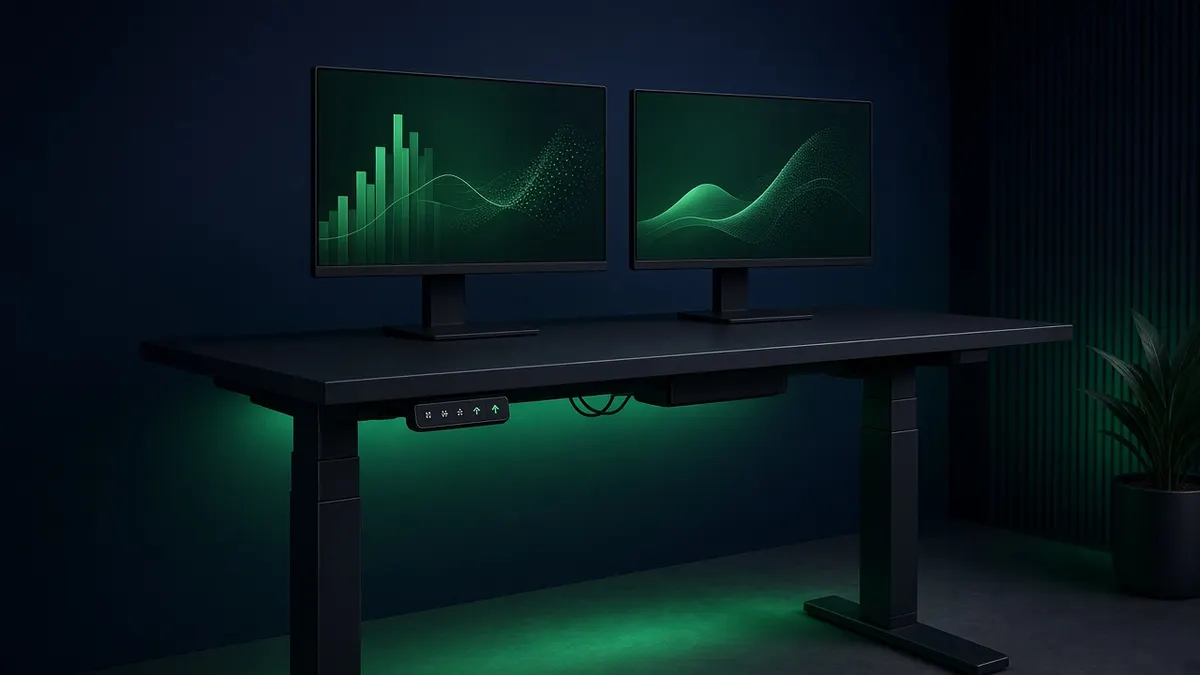
A trading desk is not a normal desk. Three or four screens, monitor arms clamped to the back edge, a tower, a dock, and a keyboard you lean on all day add up to real weight, and a standing desk has to lift all of it smoothly and without wobbling at standing height. Most standing desk reviews are written for one laptop and a coffee mug. This one is written for a rig.
Quick picks
| Desk | Capacity (maker's figure) | Height range (maker's figure) | Desktop | Warranty (per maker) | Best for |
|---|---|---|---|---|---|
| UPLIFT V3 (2-leg) | 355 lb lifting capacity; 535 lb on the 4-leg frame | 22.6" to 48.7" with a 1" top | Many sizes and materials; frame adjusts 41.3" to 72.2" wide | 15 years | Most traders, and the heaviest rigs (4-leg) |
| FlexiSpot E7 Pro | 440 lb max static load | 25.0" to 50.6" | Fits tops 47.2" to 80" wide | 15 years frame, motors, electronics; desktop 2 to 5 years by material | Tall traders and a lot of capacity per dollar |
| Secretlab MAGNUS Pro | 265 lb max distributed load | 25.6" to 49.2" | 59.1" x 27.6", or 70.0" x 31.5" (XL) | 5 years | The cleanest cable setup |
One caution before you compare those numbers: the three makers measure capacity differently. UPLIFT quotes what the motors can lift, FlexiSpot quotes a maximum static load, and Secretlab quotes a maximum distributed (evenly spread) load. They are useful for ruling a desk out, not for ranking desks to the pound.
First, add up your rig
Before picking a desk, total what will sit on it. Use the weights on each product's spec sheet:
- Monitors, using the weight without the stand if they go on arms. A 40-inch ultrawide like the Dell U4025QW is about 18.4 lb for the panel alone, so three large screens can pass 50 lb before anything else.
- Monitor arms. Heavy-duty arms weigh more than people expect; check the arm's own spec.
- The desktop itself, if the capacity figure is for the frame only (it usually is).
- Everything else: a tower on a mount, speakers, dock, lamp, and your forearms leaning on the front edge.
Then leave headroom. A desk that runs near its limit every time you raise it will be louder, slower, and shorter-lived than one running at half its rating. Our monitor arm guide covers the arm side of this math.
1. UPLIFT V3: best overall, and the pick for heavy rigs
UPLIFT's spec sheet for the V3 two-leg frame lists a dual-motor design with a 355 lb lifting capacity, a travel speed of 2 inches per second, and a noise level under 48 dB. Height runs from 22.6" to 48.7" with a 1-inch desktop, which UPLIFT says meets the ANSI/BIFMA ergonomic guideline covering roughly the 5th-percentile woman to the 95th-percentile man. The frame adjusts from 41.3" to 72.2" wide, so you can put a long top on it for a row of screens.
If your rig is genuinely heavy, the V3 4-leg frame is the reason this desk tops the list: UPLIFT lists a quad-motor design with a 535 lb lifting capacity and the same height range. That is the most headroom of any desk here.
UPLIFT backs its products with a 15-year warranty, and the V3 includes its FlexMount cable manager and mounted cable wraps.
Good fit if you want a proven frame, a wide choice of desktop sizes, or the most capacity available (4-leg). Skip it if you are very tall and want to stand with the desk above about 48.7"; the E7 Pro goes higher.
2. FlexiSpot E7 Pro: best for tall traders
FlexiSpot lists the E7 Pro with dual motors, a 440 lb maximum static load, and a 25.0" to 50.6" height range, the highest top end of the three. It accepts desktops from 47.2" to 80" wide, and the frame adjusts from 43.3" to 74.8". FlexiSpot also notes that the legs sit toward the back of the desk, which leaves more leg room under the front edge.
Warranty is 15 years on the frame, motors, mechanisms, controller and electronics. Desktop coverage is shorter and depends on the material: 2 years for chipboard and solidwood-texture tops, 5 years for solid wood.
One thing to know: the 440 lb figure is a static load, not a lifting speed under load, so don't treat it as directly comparable to UPLIFT's 355 lb lifting figure.
Good fit if you are tall, want a lot of rated capacity, or plan to put a big 80-inch top on it. Skip it if you want the longest desktop warranty; buy a solid wood top or look at UPLIFT.
3. Secretlab MAGNUS Pro: best cable management
The MAGNUS Pro is built around hiding cables. Secretlab says it runs power up through a concealed column in the leg to a built-in socket, so a single cable powers the desk and your devices, and a full-length rear cable tray with a hinged cover holds the rest. For a trading desk with a dozen cables (three or four monitors, a dock, a tower, peripherals), that matters more than it sounds, because cables that hang loose get tugged every time the desk moves.
Secretlab lists a 25.6" to 49.2" height range, three height presets, anti-collision detection, a 265 lb maximum distributed load, and a 5-year warranty. It comes in two sizes: 59.1" x 27.6", and the XL at 70.0" x 31.5", which Secretlab says is 18% larger. For three monitors, the XL's extra depth helps you sit far enough back from large screens.
Secretlab also sells MAGNUS monitor arms that fit its cable tray, including a heavy-duty arm it rates for ultrawides up to 35.2 lb, and a vertical stand it says holds up to four 32-inch monitors.
Good fit if a clean, cable-free desk matters to you, and your total rig sits comfortably under its 265 lb figure. Skip it if you run the heaviest setups; it has the lowest capacity figure and the shortest warranty of the three.
How to choose
- Total your rig (screens, arms, desktop, tower) and rule out any desk without comfortable headroom.
- Check your standing height. If you are tall, compare the top of each height range against your elbow height when standing; the E7 Pro reaches highest.
- Pick the desktop size for your screens. Three large monitors usually want a wide top, at least 70 inches, and enough depth to sit back from them.
- Decide how much you care about cables. If you hate cable clutter, the MAGNUS Pro is the one built around it.
- Compare warranties on the parts that fail. Motors and electronics are the expensive parts; UPLIFT and FlexiSpot cover them for 15 years.
The bottom line
For most traders, the UPLIFT V3 is the safest pick, and its 4-leg frame is the answer for the heaviest multi-monitor rigs. If you are tall, the FlexiSpot E7 Pro stands highest. If you want the cleanest-looking desk and your rig is moderate, the Secretlab MAGNUS Pro XL is the one to look at.
Pair your desk with a chair built for long sessions, and if you are still choosing screens, start with our guide to the best ultrawide monitors for trading.
Related guides
Best Ultrawide Monitors for Stock Trading in 2026
Five high-resolution ultrawide monitors for trading, compared on resolution, pixel density, ports and size, so one screen can replace a multi-monitor rig.
Best Monitors for Day Trading in 2026
The best monitors for day trading in 2026: 4K IPS, OLED and super-ultrawide picks compared on pixel density, ports and burn-in risk for multi-monitor desks.
Best Monitor Arms for Trading Setups in 2026
Monitor arms for trading desks matched to real monitor weights: heavy ultrawides, dual 32-inch screens and triple 24-inch rigs, with the ranges that matter.